Inkjet, laser or ink tank: which printer suits how you print
How much and what you print decides which kind of printer suits you. This is how inkjets with cartridges, ink tanks such as EcoTank and MegaTank, and laser printers differ.
Popular picks from this guide
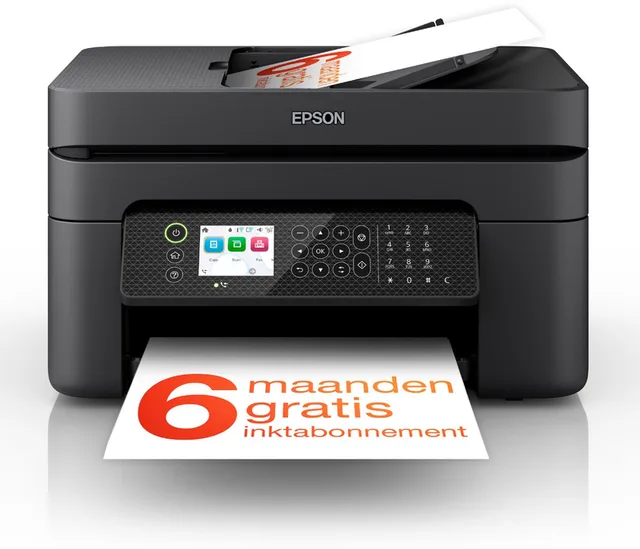
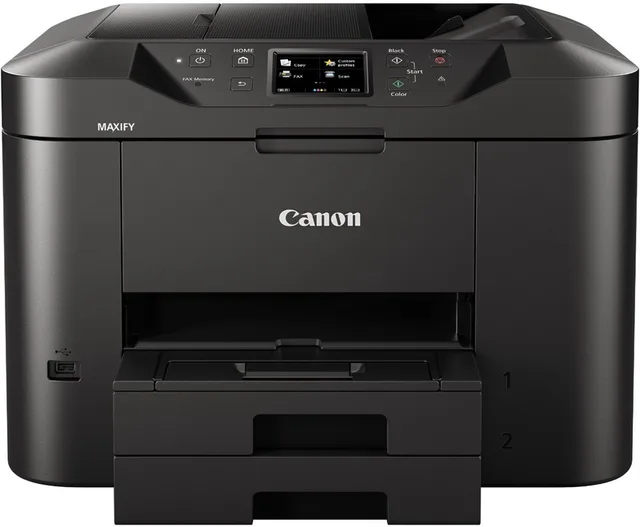
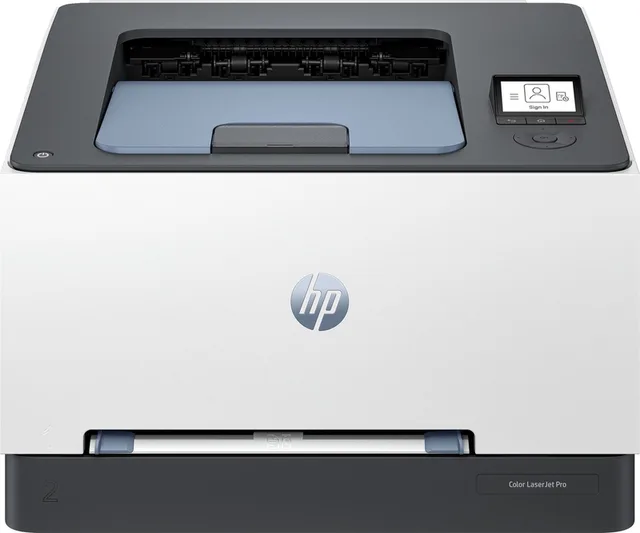
Popular products at today's lowest price. Compare every shop on the product page.
Short answer: If you print little and mostly text, a black and white laser printer suits you: toner does not dry out. If you print a lot, colour included, an ink tank printer (EcoTank, MegaTank, Smart Tank) is what the makers themselves offer for heavy use. A regular inkjet with cartridges is small and simple, but you buy ink more often.
Gutenly doesn't test printers itself. What follows comes from the manufacturers' data and the product names in our catalogue. When in doubt, check the specifications of the model itself.
Three kinds of printer
Inkjet with cartridges. The printer sprays liquid ink through tiny nozzles onto the paper. The ink sits in separate cartridges that you replace when they run out. Examples are the Canon PIXMA TS7650i, the Epson Expression Home XP-2205 and the HP OfficeJet Pro 9120b.
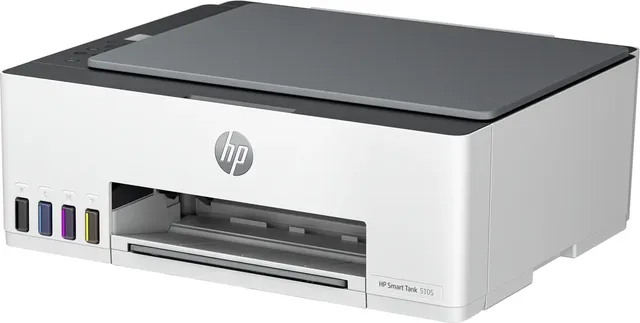
Ink tank. Still an inkjet, but with refillable tanks that you top up from bottles. Epson calls this EcoTank, Canon MegaTank and HP Smart Tank. HP puts "up to 3 years of printing with the included ink" in the product name of the HP Smart Tank 5105, and EcoTank printers such as the Epson EcoTank ET-2950 also come with bottles of ink in the box. Such a promise in years is based on a fixed number of pages a month; how long it lasts for you depends on what you print.
Laser. A laser printer uses toner, a dry powder that is fused onto the paper with heat. Because toner is a dry powder and does not dry up the way ink does, a laser printer can sit idle for weeks and then print as normal. A black and white laser such as the Brother HL-L2400DWE or the HP LaserJet Pro 3002dw prints only black and is built for text.
Inkjet, ink tank and laser side by side
- Canon
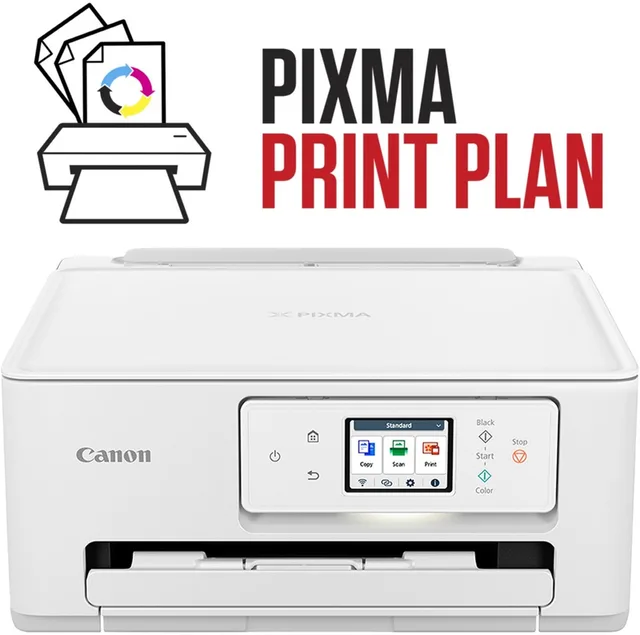
PIXMA TS7650i all-in-one inkjet printer
ColourA4From €95.99 · at 6 shops
- Epson
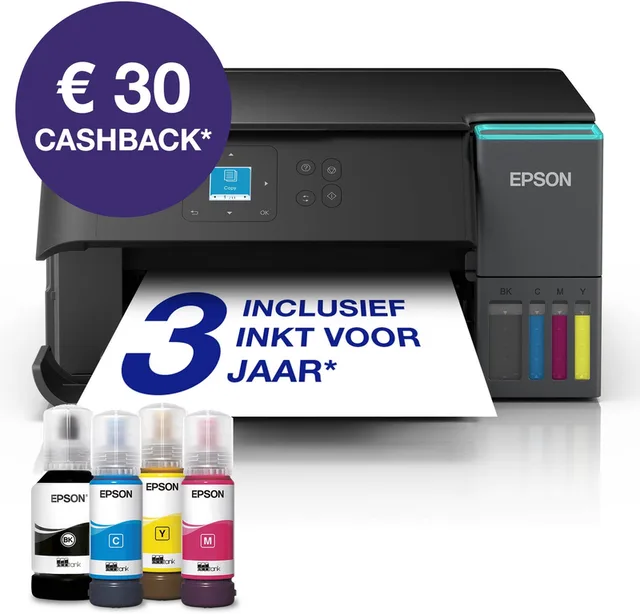
EcoTank ET-2950
All-in-One Inkttank PrinterColourA433 ppmFrom €265.99 · at 7 shops
- HP
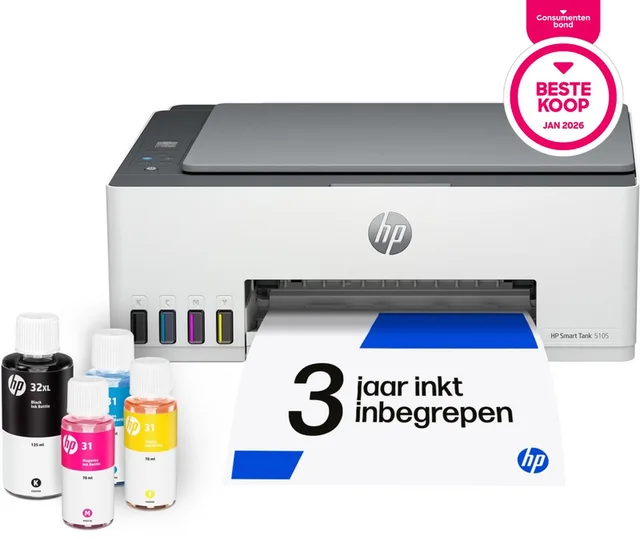
Smart Tank 5105
All-in-One KleurenprinterColourA412 ppmFrom €164 · at 4 shops
Lowest in 26 days
- Canon
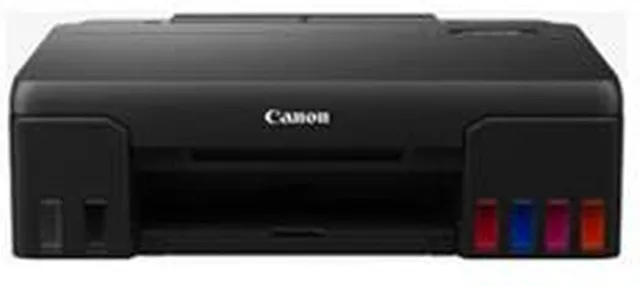
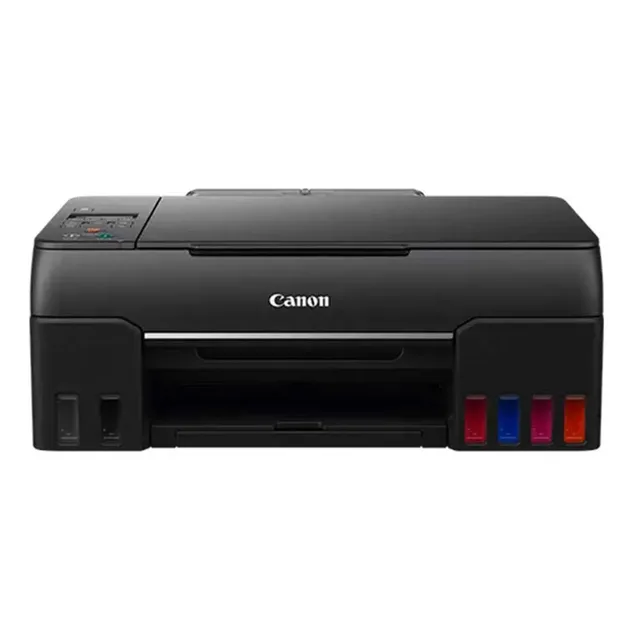
PIXMA G650 MegaTank
All-In-One PrinterColourA4From €265.99 · at 3 shops
- Brother
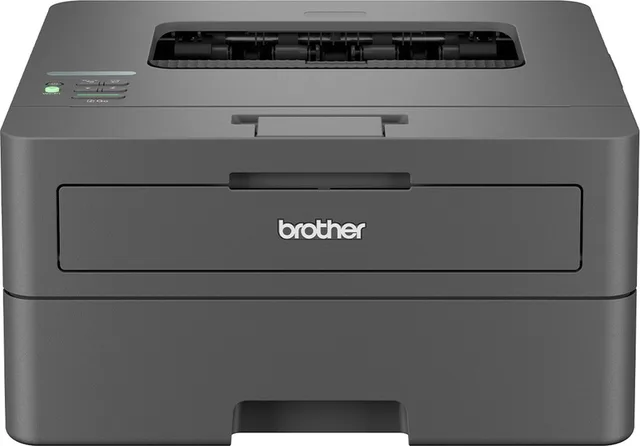
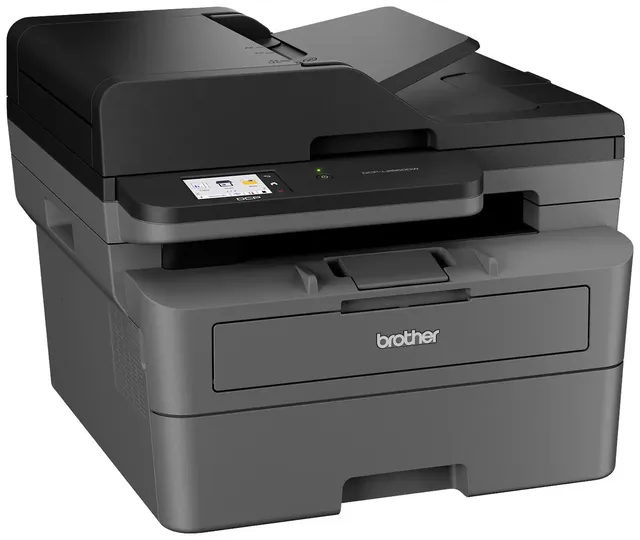
HL-L2400DWE laserprinter
Black and whiteA430 ppmFrom €121 · at 7 shops
- HP
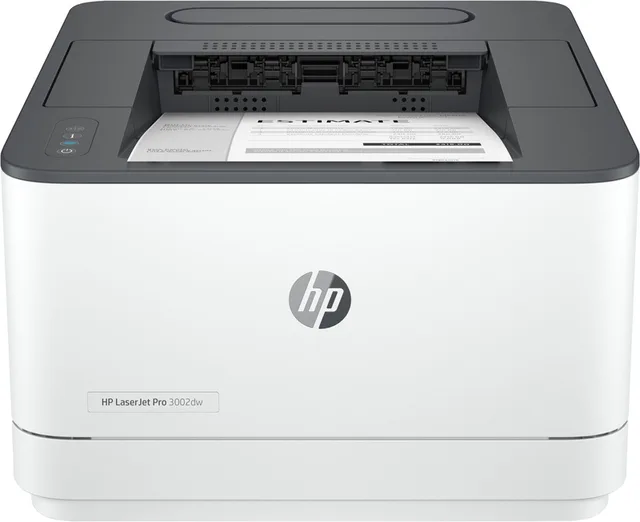
LaserJet Pro 3002dw laser printer
single functionBlack and whiteA433 ppmFrom €146.78 · at 8 shops
Lowest in 26 days
How much and how often do you print?
That is the key question. An inkjet that stands unused for a long time can end up with dried nozzles. The printer then cleans them itself, and that cleaning uses ink; Canon, Epson and HP say so in their manuals. If you print only a few times a month, toner avoids the problem.
If you print a lot, say homework for a whole family or forms for a small business, the makers offer the ink tank as their answer: the bottles hold more ink than a cartridge. Canon puts "low printing costs" in the name of the MAXIFY GX1051. Our guide cost per page explains how to compare printing costs yourself.
Colour or black only
If you want to print photos, charts or colourful school projects, choose an inkjet or an ink tank. A colour laser prints colour too, like the HP Color LaserJet Pro 4202dw or the Canon i-SENSYS MF667Cdw, but it takes four toner cartridges and is bigger. Inkjet printers are made for photos on photo paper; a laser printer does not print on inkjet photo paper.
If you print only text, a black and white laser is the simplest: one toner cartridge and nothing else.
Colour laser or black and white laser
- HP
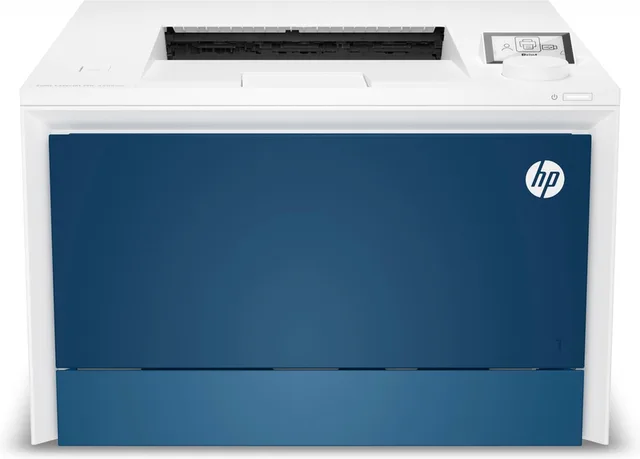
Color LaserJet Pro 4202dw
Kleuren LaserprinterColourA433 ppmFrom €367 · at 5 shops
- Canon
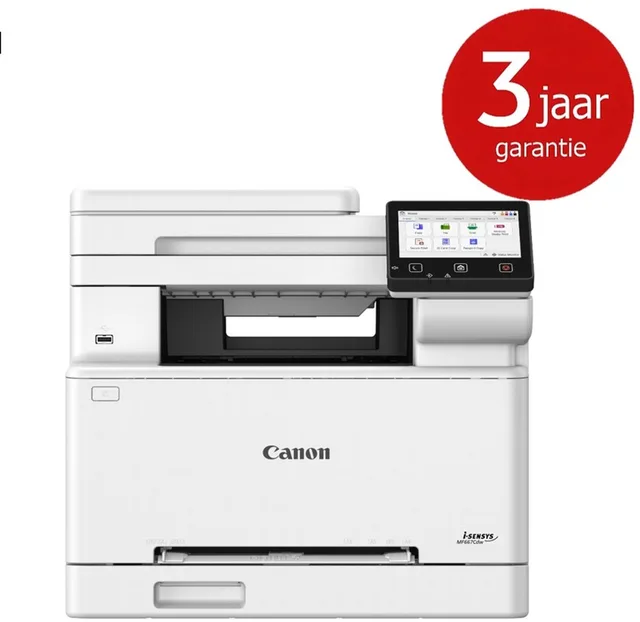
I-SENSYS MF667Cdw
Duplex · WiFiColourA425 ppmFrom €358.50 · at 7 shops
Lowest in 26 days
- HP
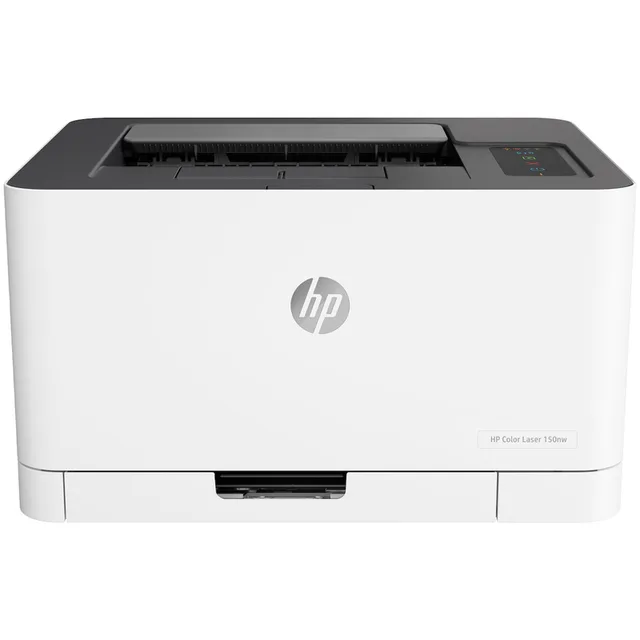
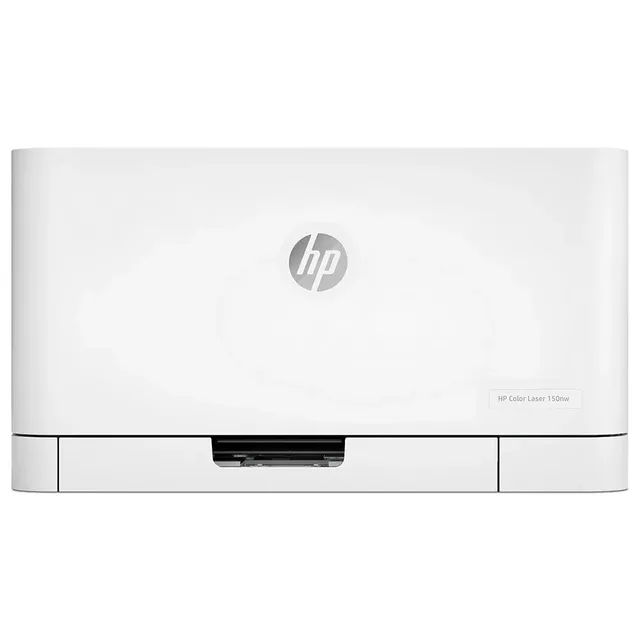
Color Laser 150nw Laser printer Wit
ColourA418 ppmFrom €233 · at 4 shops
Lowest in 21 days
- Brother
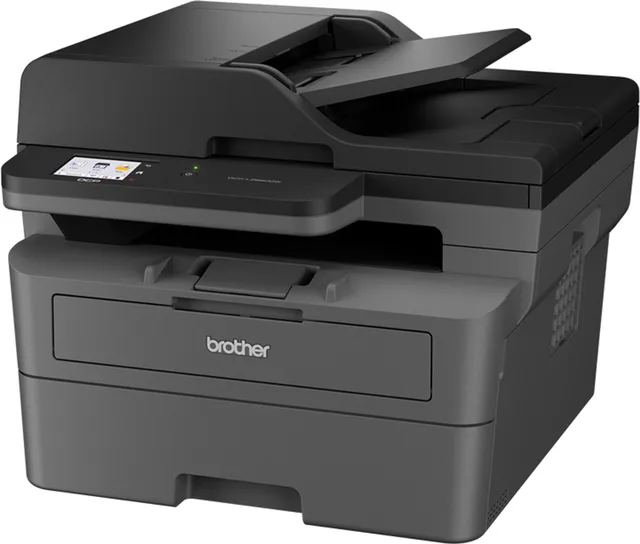
DCP-L2660DW All-in-One Laserprinter
Zwart-Wit PrinterBlack and whiteA434 ppmFrom €235.99 · at 8 shops
- Canon
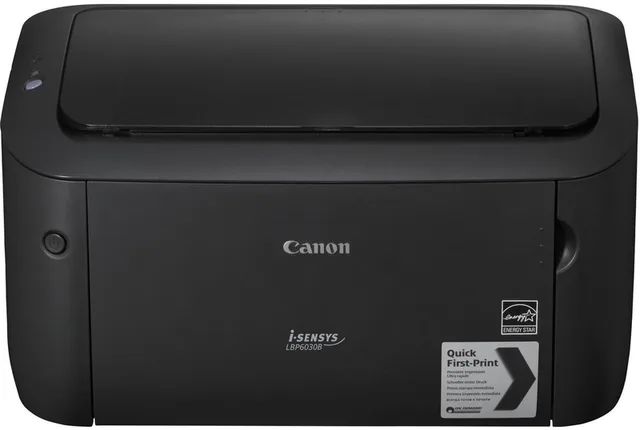
I-SENSYS LBP6030B
Single function · Zwart-Wit PrinterBlack and whiteA418 ppmFrom €144.99 · at 5 shops
- HP
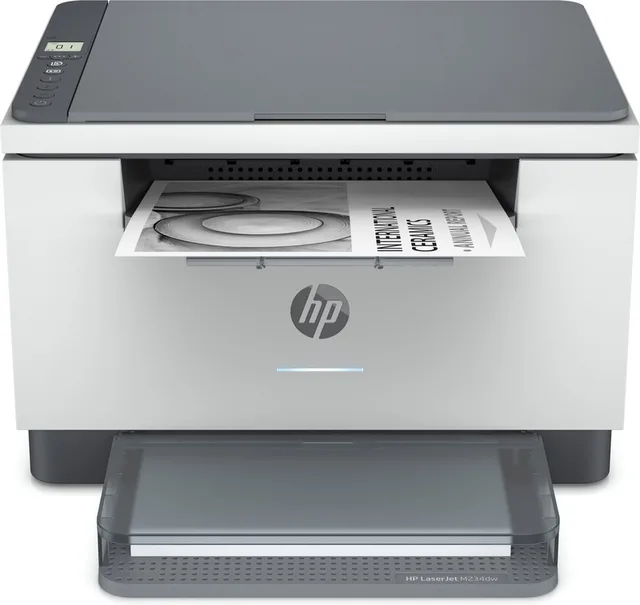
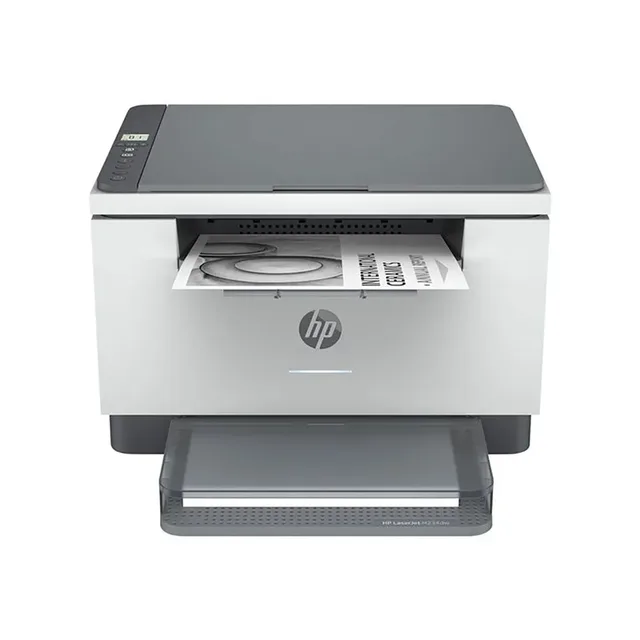
LaserJet MFP M234dw
Zwart-Wit PrinterBlack and whiteA429 ppmFrom €139.95 · at 4 shops
Lowest in 26 days
Print only, or scan and copy too
An all-in-one (also called a multifunction printer) has a scanner on top, so it copies as well. Most inkjets and ink tanks for the home are all-in-ones. With laser printers you more often get the choice: the Brother HL-L2400DWE only prints, the Brother DCP-L2660DW also scans and copies. If you scan stacks of paper, look for a document feeder (ADF), which the Epson EcoTank ET-3950 has in its name.
You find every model with a scanner under all-in-one printers, and printers without one under inkjet printers and laser printers.
Letters in the model name
With HP and Brother you often see letters after the number that say what a printer does. In the models in our catalogue a "d" usually stands for double-sided printing (duplex), a "w" for wifi, an "n" for a wired network connection and an "f" for fax. The HP LaserJet Pro 3002dw, for example, prints double-sided and wirelessly. It is a habit, not an official rule from HP or Brother: if in doubt, check the model's specifications. Canon and Epson put this in the product description, for example "Dubbelzijdig" (double-sided) for the Canon PIXMA MegaTank G3590.
Ink subscriptions
HP offers Instant Ink and Epson offers ReadyPrint: the printer reports when ink is running low and new cartridges are sent to your home. You then pay a monthly fee for a set number of pages. The product names say "Geschikt voor Instant Ink" or "Geschikt voor ReadyPrint" (suitable for), as with the HP OfficeJet Pro 8125e and the Epson Workforce WF-2950DWF. A subscription is an option, not a requirement; read the maker's terms.
Frequently asked questions
Is a laser printer better if I print very little?
For text, yes: toner is a dry powder and does not dry out, so a laser printer can sit idle for a long time. An inkjet that is rarely used cleans its nozzles and uses ink doing so.
What is the difference between EcoTank, MegaTank and Smart Tank?
They are Epson's, Canon's and HP's names for the same idea: an inkjet printer with refillable ink tanks that you top up from bottles instead of cartridges.
Can a laser printer print photos?
A colour laser prints in colour, but not on inkjet photo paper. Inkjet printers and photo printers are made for photos.
What does dw mean in a printer's name?
With HP and Brother, "d" usually means double-sided printing and "w" wifi. An "n" is usually a wired network connection, an "f" a fax function. Check it in the model's specifications.
Keep looking
Gutenly doesn’t test printers itself. This guide lists what manufacturers state.
Products from this guide
Popular products with a current price at the shops. Compare the prices on the product page.
- Epson
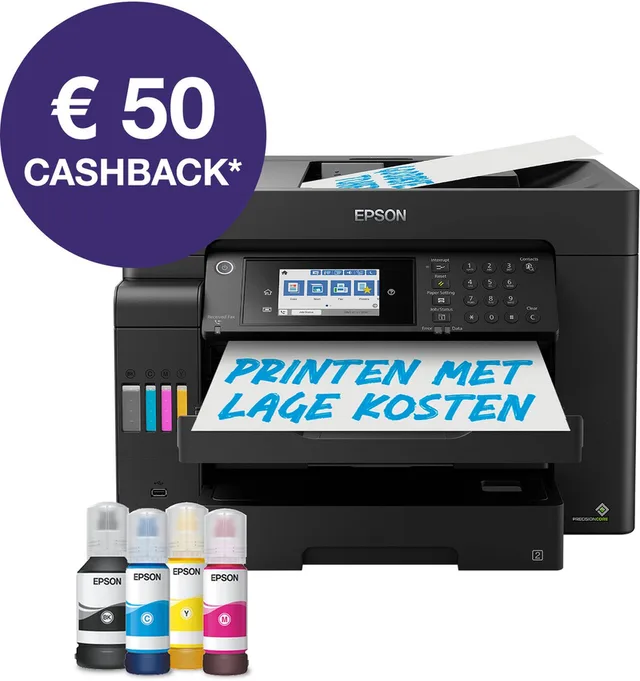
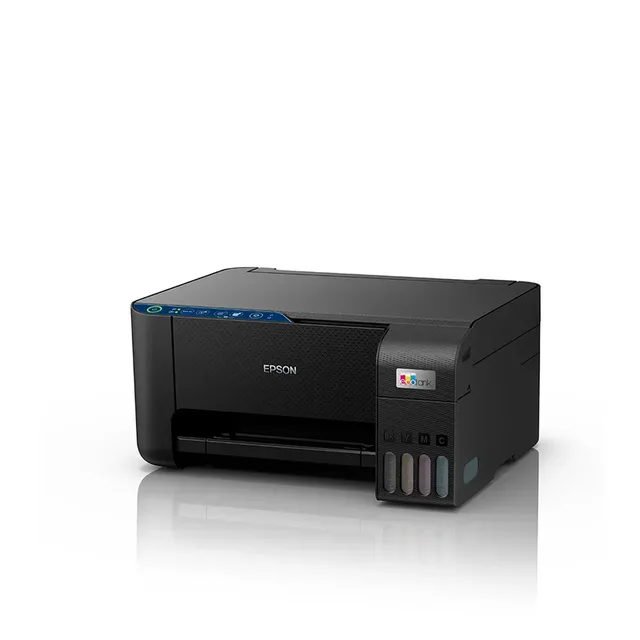
EcoTank ET-16605
All-in-One Inkttank Printer · WifiColourA332 ppmFrom €920 · at 7 shops
- Brother
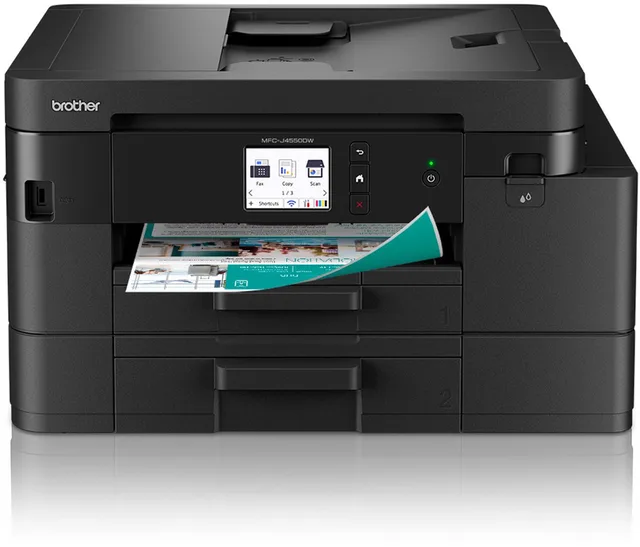
MFC-J4550DW Inkjetprinter
ColourA420 ppmFrom €211.44 · at 5 shops
- Epson
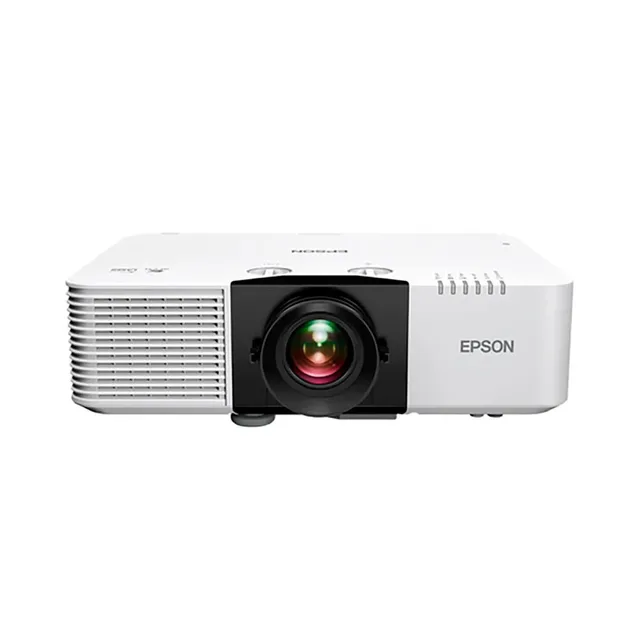
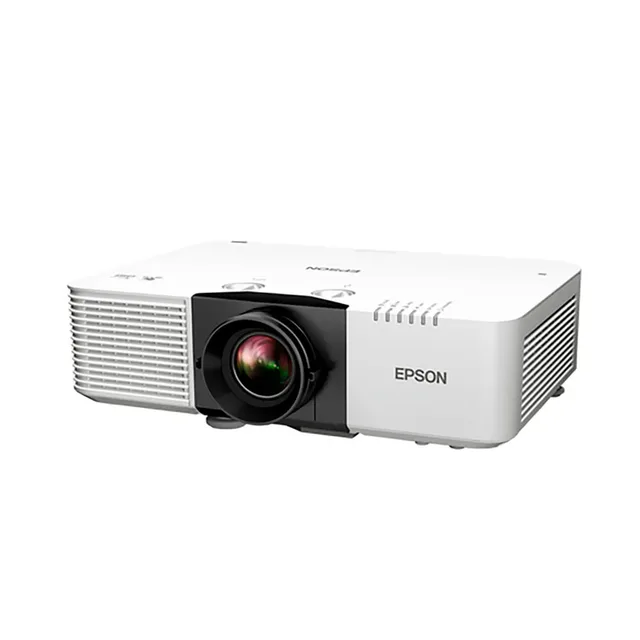
Eb-l690u Projector
€2,299 · at 1 shop
Lowest in 22 days
- Epson
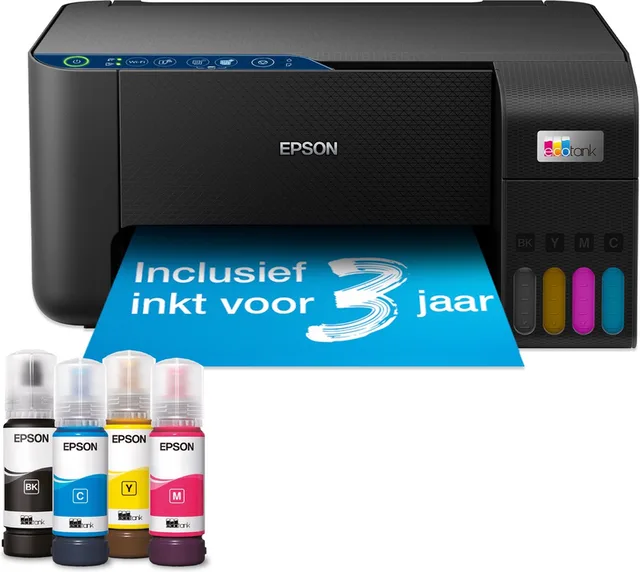
EcoTank ET-2861
All-in-One Inttank PrinterColourA433 ppmFrom €203.28 · at 2 shops
- Epson
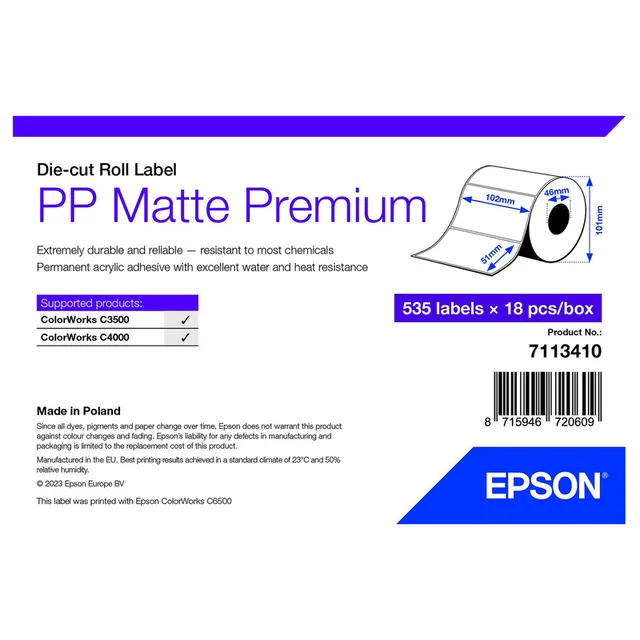
7113410 printer label
€33.99 · at 1 shop
More buying guides
- Cost per page: original, XL or compatible cartridges What a printed page costs, you work out from a cartridge's price and page yield. This is how to compare standard and XL, bottles, toner and compatible cartridges. Read the guide
- Choosing a mini photo printer: Zink, dye-sub or instant film Small sticker photos, postcards or instant film: the printing technique decides the size and the paper. This is how to choose a mini printer for the photos on your phone. Read the guide