Cost per page: original, XL or compatible cartridges
What a printed page costs, you work out from a cartridge's price and page yield. This is how to compare standard and XL, bottles, toner and compatible cartridges.
Popular picks from this guide
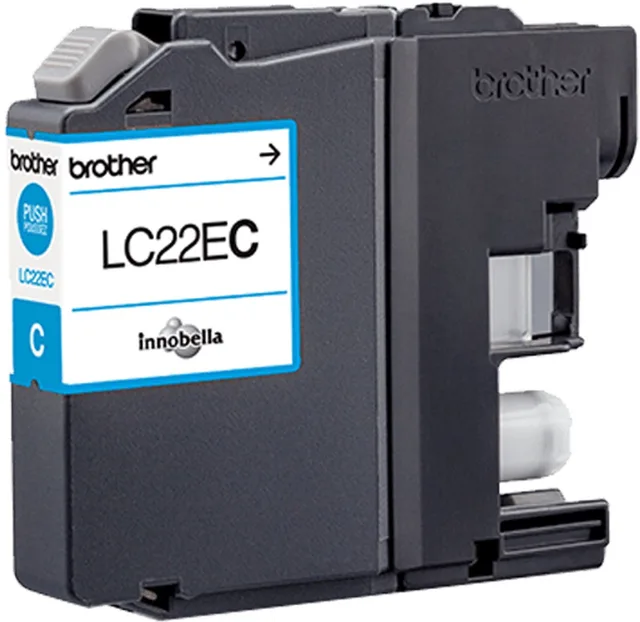
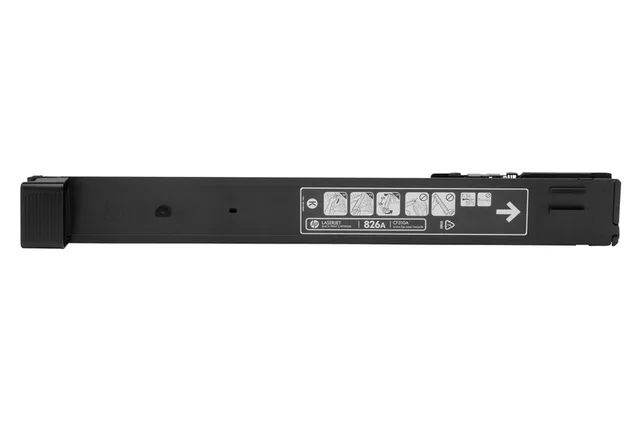
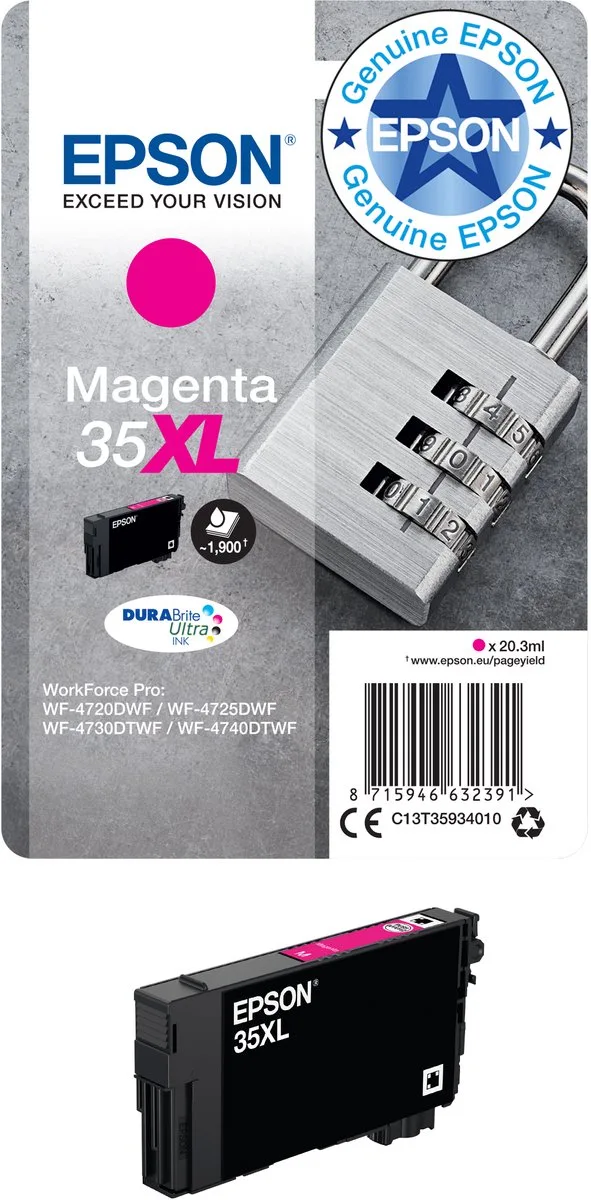
Popular products at today's lowest price. Compare every shop on the product page.
Short answer: You work out the cost per page yourself: divide the price of a cartridge or toner by the number of pages the maker states. That number, the page yield, is measured under ISO standards and is listed for every cartridge. An XL cartridge fits the same printer and gives more pages.
Gutenly doesn't test ink or toner itself. The page yields below come from the manufacturers' product data in our catalogue; the standards are ISO and IEC's.
What page yield means
The page yield is the average number of pages a cartridge prints before it runs empty. Makers measure it under fixed standards, so figures from different brands can be compared:
- ISO/IEC 24711 for inkjet cartridges, with a fixed set of test pages (ISO/IEC 24712).
- ISO/IEC 19752 for black toner.
- ISO/IEC 19798 for colour toner.
The test pages are ordinary office documents with text and a few images. If you print many photos or solid areas, you will get fewer pages than stated; short letters often give more. So the figure is not a promise, but it does make cartridges comparable.
How to work out the cost per page
Take the price of the cartridge and divide it by the page yield. If one cartridge costs twice as much as another but prints three times as many pages, it is cheaper per page. Do this for every cartridge your printer uses:
- A printer with one black and one tri-colour cartridge: add up the cost per page of both for a colour page.
- A printer with separate colours (black, cyan, magenta, yellow): add up all four.
- For text only, the black cartridge is all that counts.
The product pages show the prices from several shops; the page yield is in the cartridge's specifications.
Standard or XL
Many cartridges come in two sizes for the same printer. According to HP, the HP 305 black prints about 120 pages and the HP 305XL black about 240 pages. The HP 305 tri-colour reaches about 100 pages, the HP 305XL tri-colour about 200. Canon does the same with the PG-545 and the PG-545XL, Epson with the 603 and the 603 XL.
An XL cartridge costs more each, but you replace it less often. Whether it is also cheaper per page, you work out as above. If you print very little, keep in mind that ink in an opened cartridge can dry up over a long time.
Standard and XL side by side
- HP
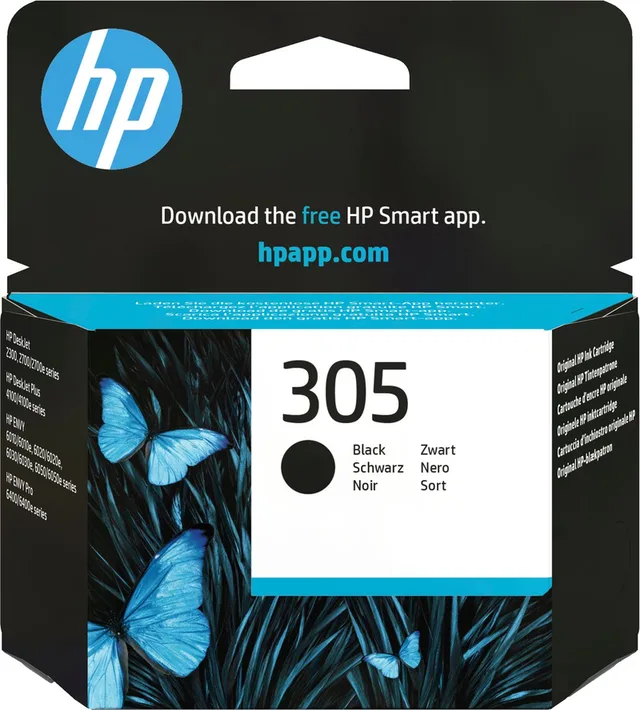
305 ink cartridge,, standard capacity
Black, ZwartStandard120 pagesFrom €17.98 · at 7 shops
- HP
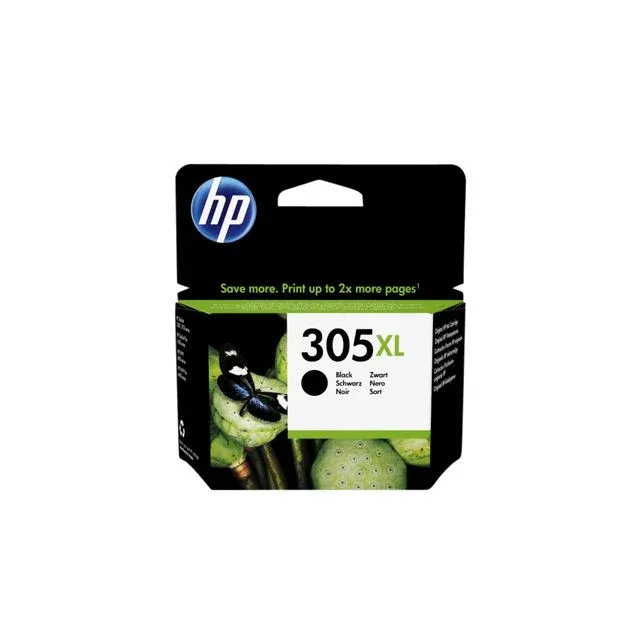
305XL high-capacity zwarte inktcartridge
60 stuksBlackXL300 pages€33.93 · at 1 shop
- HP
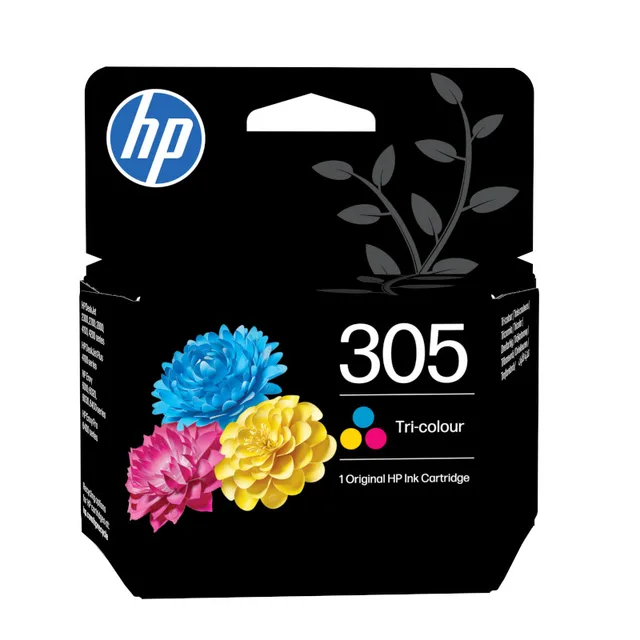
Ink cartridge HP 3YM60AE 305, 3 colours
ColourStandard100 pagesFrom €19.10 · at 8 shops
- Canon
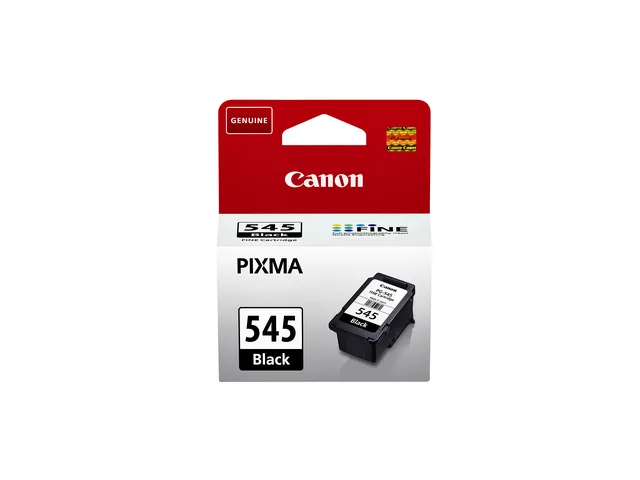
Ink cartridge Canon PG-545 black
BlackStandard180 pagesFrom €19.98 · at 11 shops
- Canon
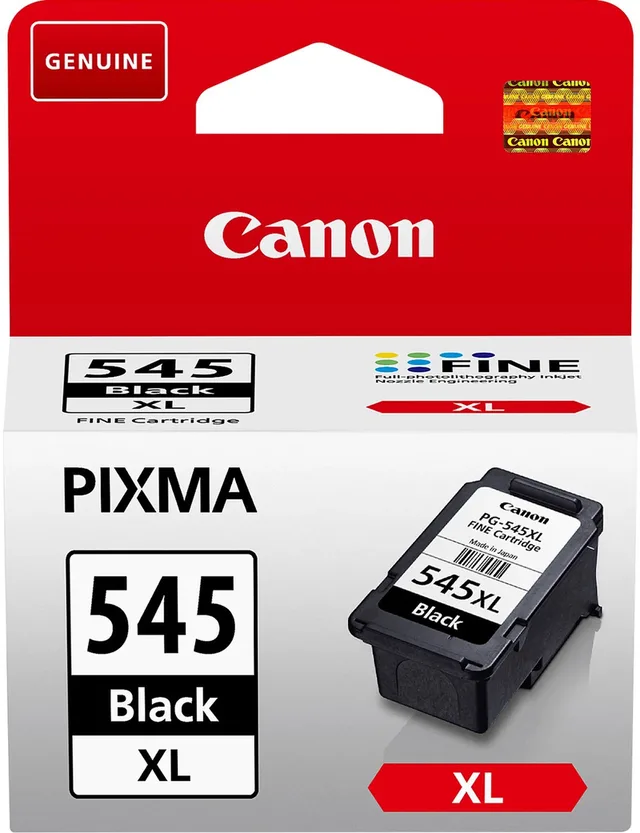
PG-545XL ink cartridge,, high capacity
Black, ZwartXL400 pagesFrom €25.98 · at 11 shops
Ink bottles and toner
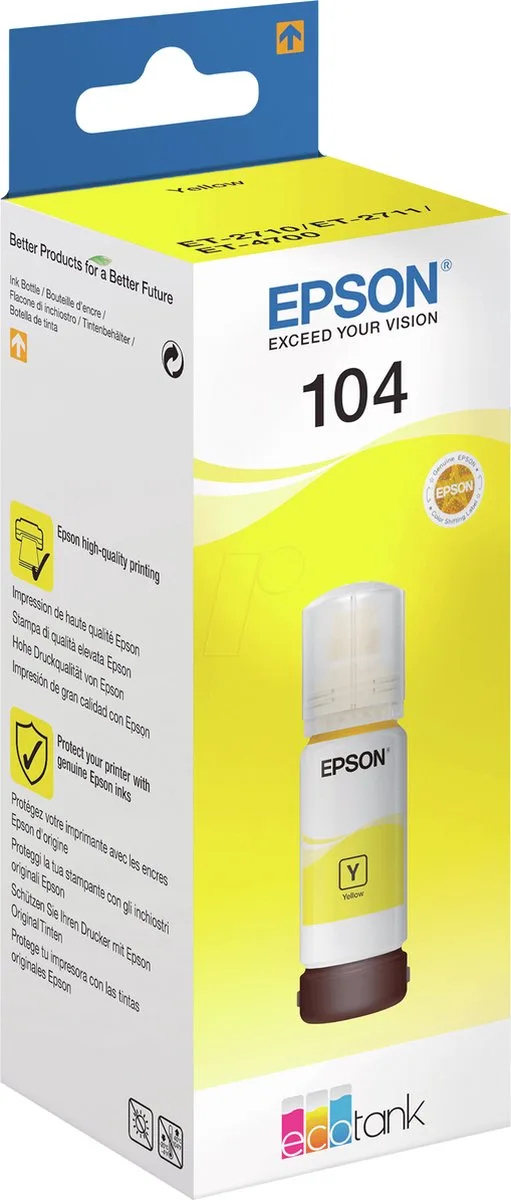
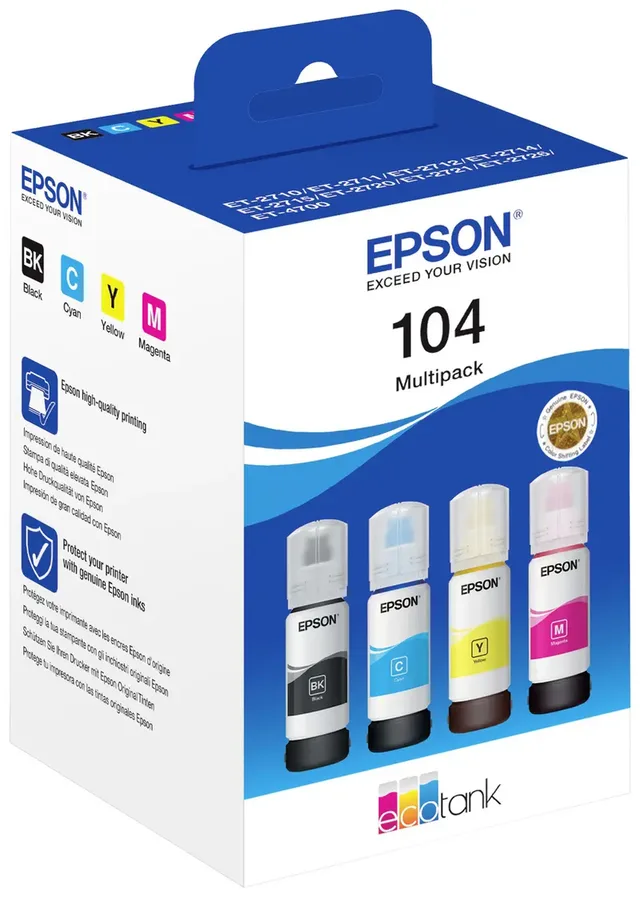
Ink tank printers use bottles instead of cartridges. For one Epson 104 EcoTank ink bottle in cyan, the product data give 7,500 pages; there is also a multipack with the colours. Canon puts "low printing costs" in the name of an ink tank printer such as the MAXIFY GX1051; the printer itself usually costs more than a regular inkjet. Our guide inkjet, laser or ink tank helps you choose the printer.
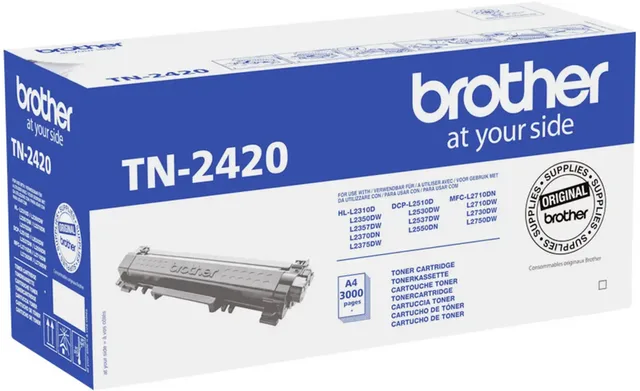
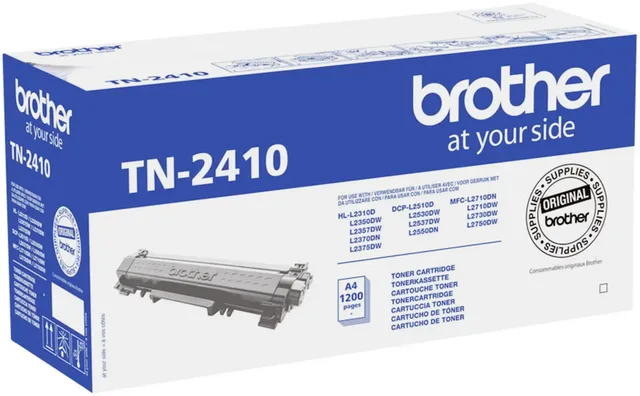
Laser printers use toner. For the Brother TN-2420, the product data give 3,000 pages; for the same printers Brother also sells the TN-2410. Toner is a dry powder, so it can't dry up the way ink does; do store a cartridge as your printer's manual says.
Original or compatible
An original cartridge comes from the printer maker itself. A compatible cartridge or toner is made by another company for the same printer. Xerox, for example, makes toners for other brands' printers under the name Everyday: Xerox itself calls the Xerox 006R03648 an alternative to the HP 81A and the Xerox 006R04223 an alternative to the Brother TN242BK.
With compatible cartridges, check three things:
- Model number: the description should name the original cartridge's number, and that number should be in your printer's manual.
- Page yield: compare it with the original cartridge, ideally measured under the same ISO standard.
- Warranty: read what your printer's terms say about cartridges from other brands.
In the catalogue, cartridges show their origin (original or compatible) and their size (standard or XL). You find them all under ink cartridges and toner.
Ink bottles, toner and alternatives
- Epson
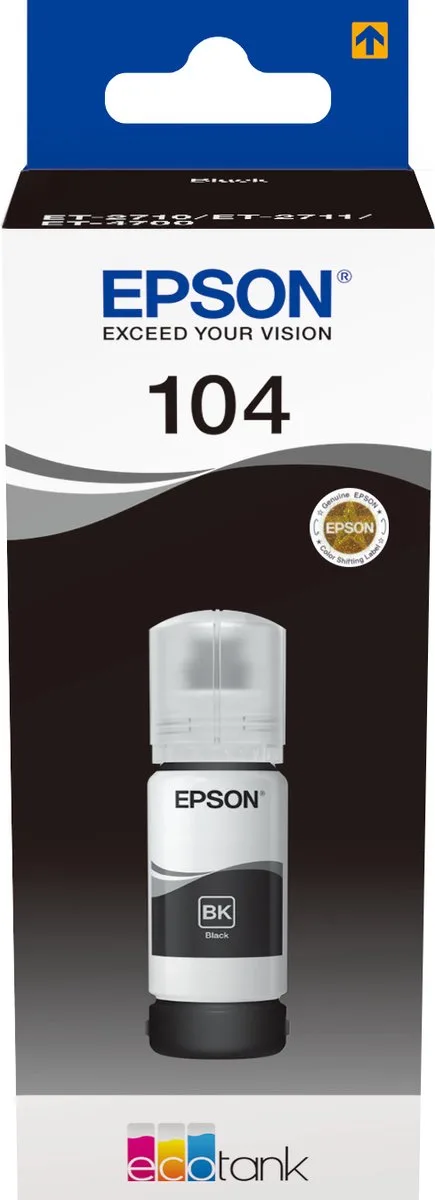
104 EcoTank ink bottle
Black, Zwart4,500–7,500 pagesFrom €16.63 · at 8 shops
- Epson
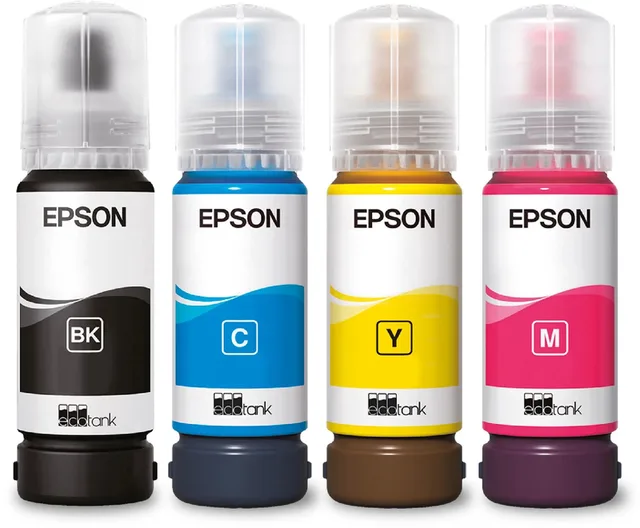
104 EcoTank ink bottles, multipack, colour
Zwart7,500 pagesFrom €35 · at 9 shops
Lowest in 26 days
- Brother
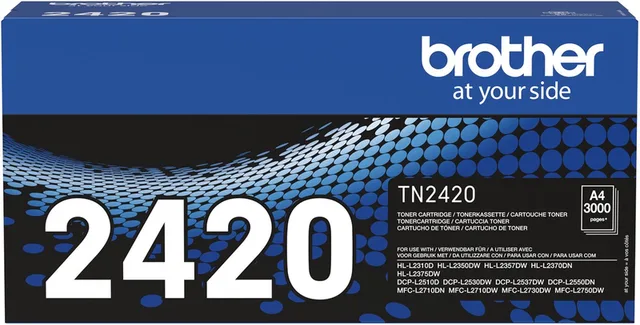
TN-2420 toner
Black, Zwart3,000 pagesFrom €89 · at 9 shops
- Brother
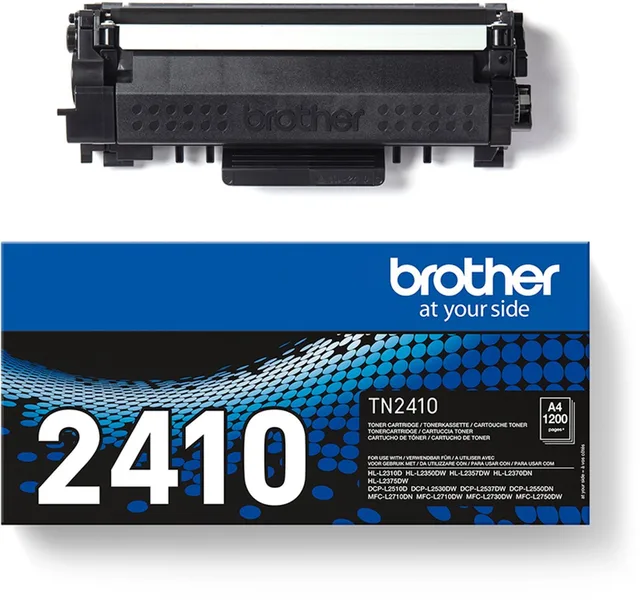
TN2410 toner
Black, ZwartFrom €54.70 · at 9 shops
- Xerox
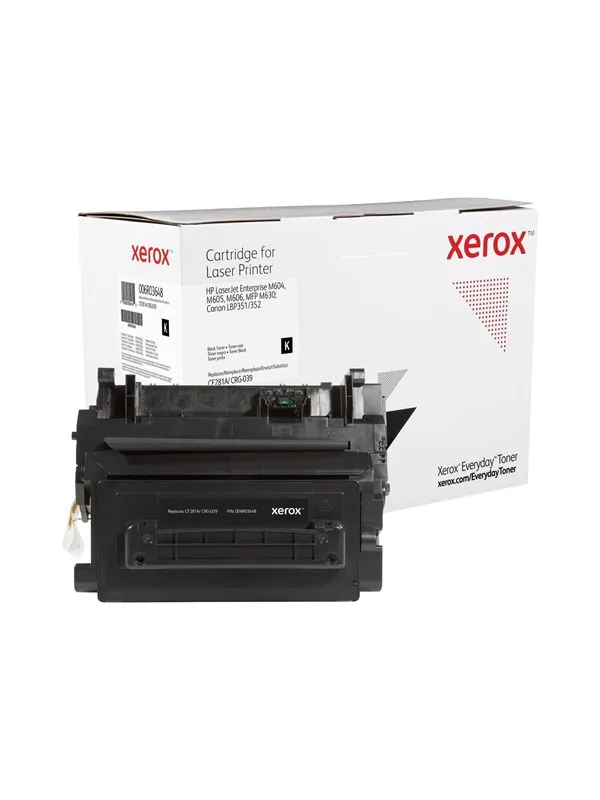
006R03648 Alternative to HP 81A CF281A Canon CRG-039 Black Toner
BlackStandard10,500 pagesFrom €66.80 · at 2 shops
- Xerox
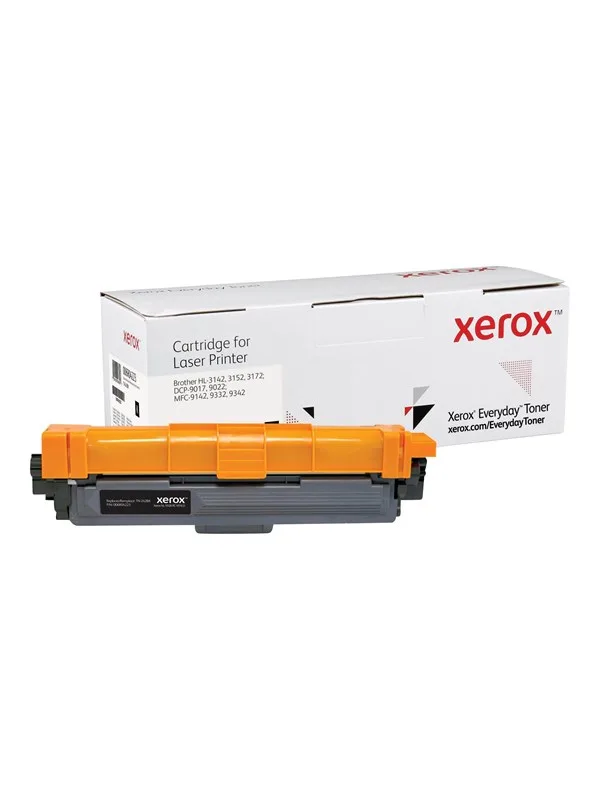
006R04223 Alternative to Brother TN242BK Black Toner
BlackStandard2,500 pages€28.08 · at 1 shop
Frequently asked questions
How do I work out the printing cost per page?
Divide the price of the cartridge by the page yield the maker states. For a colour page, add up the cost of every cartridge used to print it.
Is an XL cartridge always cheaper?
Not always. An XL cartridge gives more pages but also costs more. Work out the cost per page of both from the price and the page yield.
What does ISO/IEC 24711 mean?
It is the international standard that makers use to measure the page yield of ink cartridges. For toner, ISO/IEC 19752 (black) and ISO/IEC 19798 (colour) apply.
Why do I get fewer pages than the box says?
The figure applies to the standard's test pages. Photos and solid colour areas use more ink, and an inkjet also uses ink when it cleans its nozzles.
Keep looking
Gutenly doesn’t test printers itself. This guide lists what manufacturers state.
Products from this guide
Popular products with a current price at the shops. Compare the prices on the product page.
- Xerox
Toner magenta 106R02246
MagentaStandard2,000 pagesFrom €113.99 · at 2 shops
- HP
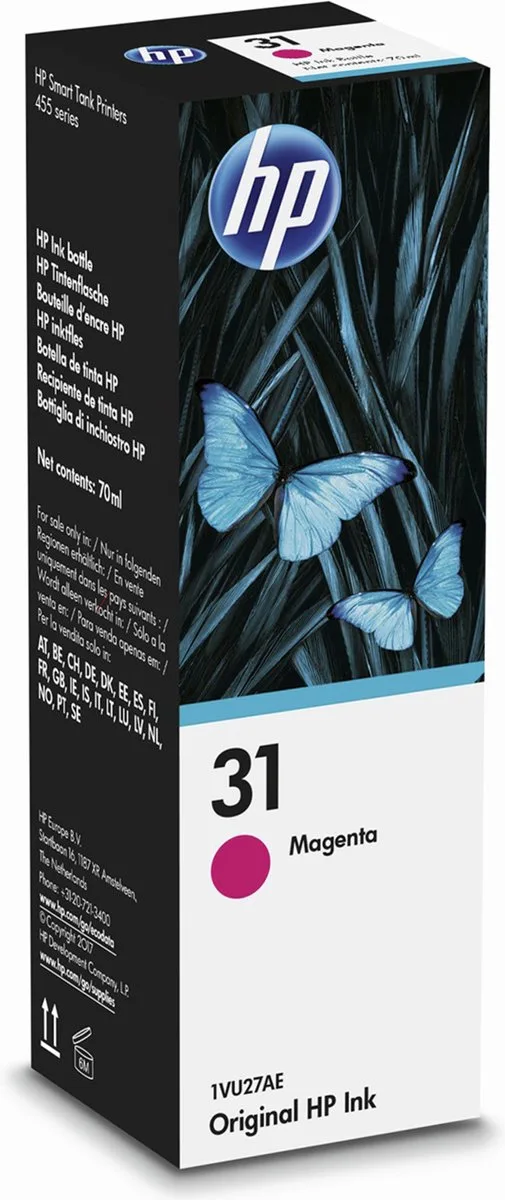
31 ink cartridge
Magenta, YellowStandard8,000 pagesFrom €14.49 · at 9 shops
- HP
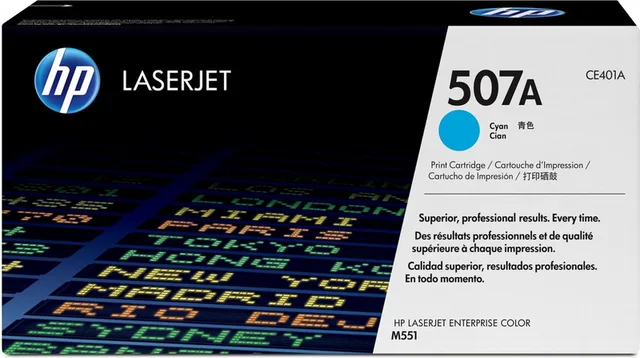
507A
TonercartridgeCyan, CyaanStandard6,000 pagesFrom €227.95 · at 7 shops
Lowest in 26 days
- Canon
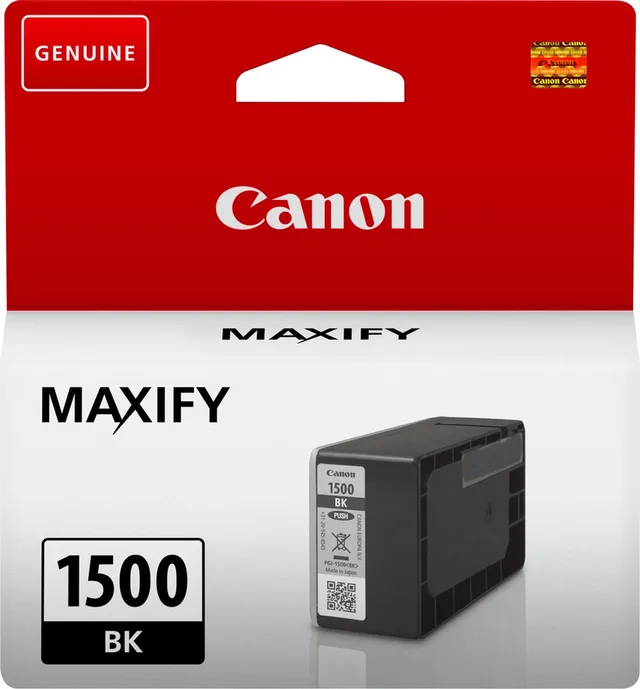
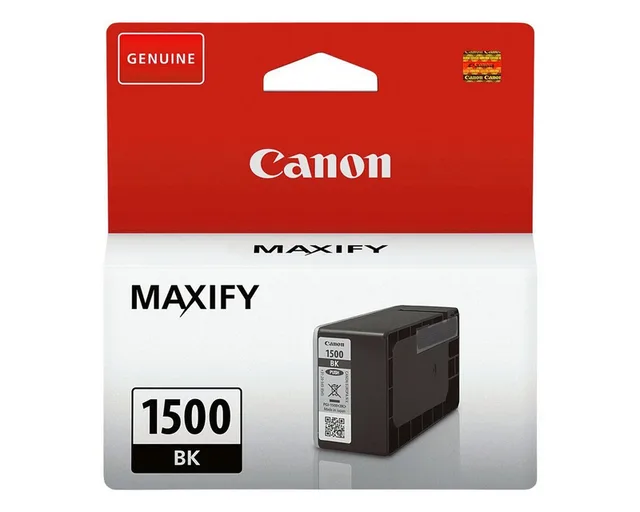
PGI-1500BK
Black, Zwart400 pagesFrom €24.87 · at 3 shops
- HP
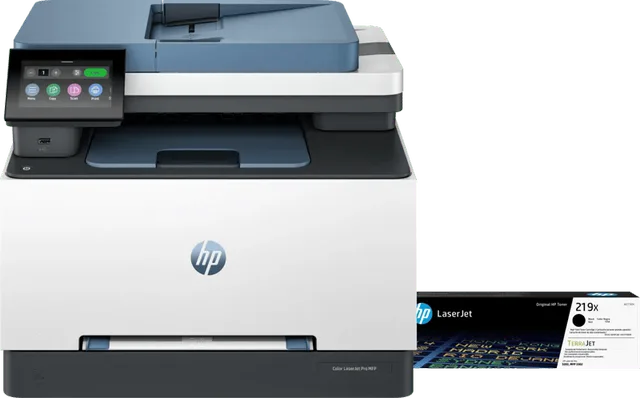
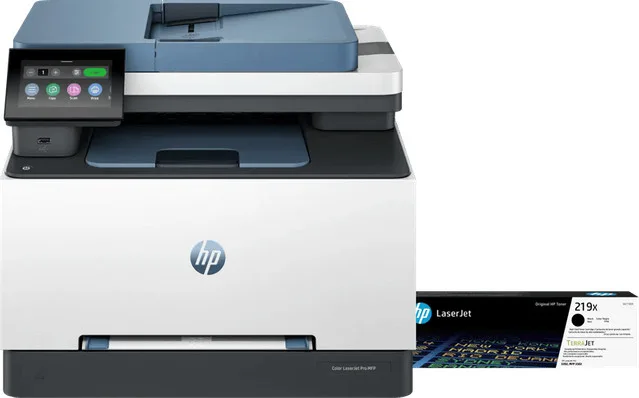
Color LaserJet 3302fdw + 1 extra black XL toner
Black, ColourXL€479 · at 1 shop
More buying guides
- Inkjet, laser or ink tank: which printer suits how you print How much and what you print decides which kind of printer suits you. This is how inkjets with cartridges, ink tanks such as EcoTank and MegaTank, and laser printers differ. Read the guide
- Choosing a mini photo printer: Zink, dye-sub or instant film Small sticker photos, postcards or instant film: the printing technique decides the size and the paper. This is how to choose a mini printer for the photos on your phone. Read the guide